Login
Login screen
On this page, you can:
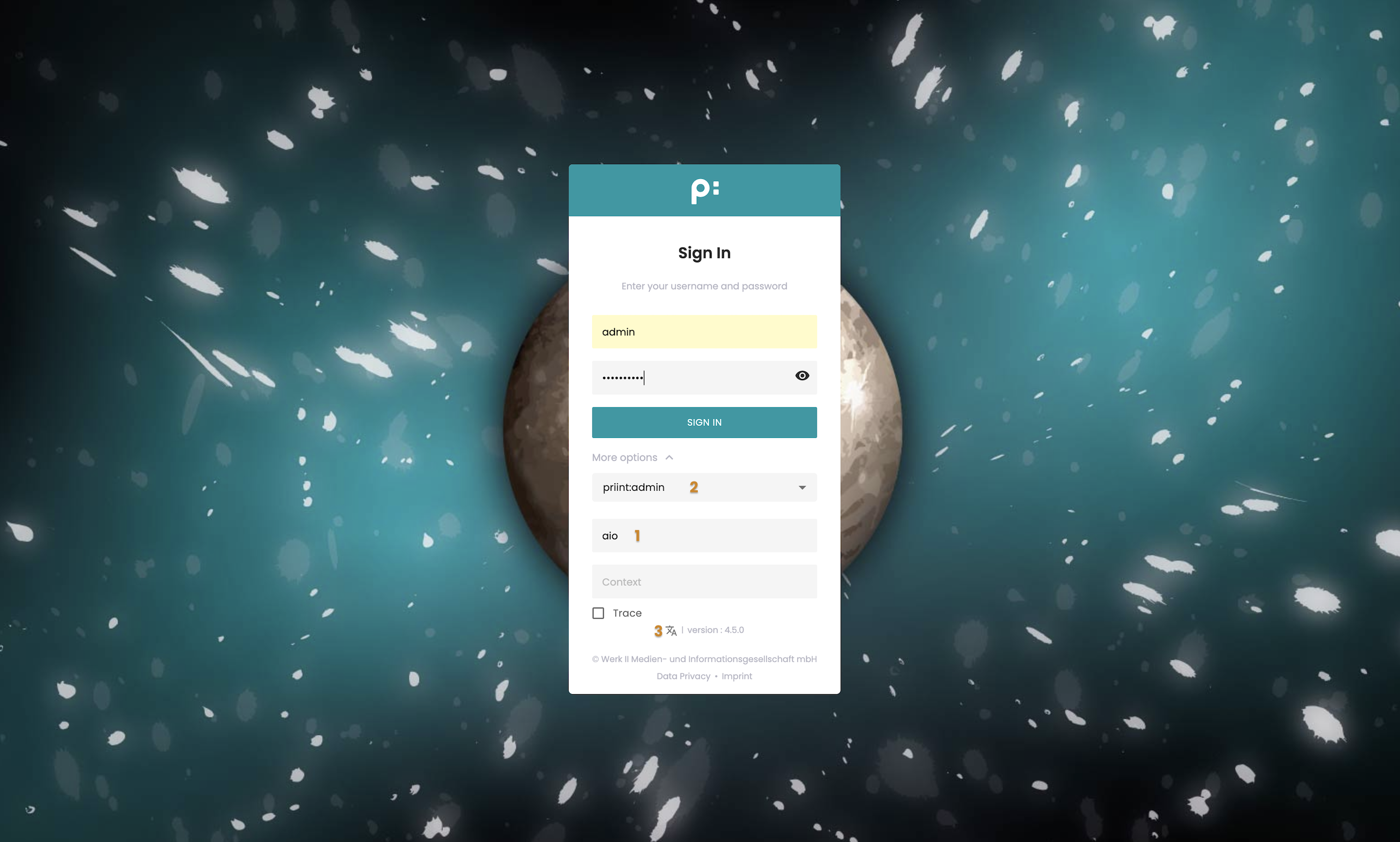
- Input the project name, ex: aio.
- Choose priint:admin as the AdminUI application for login.
- Change the interface language before logging in, ex: English.
At the bottom of the login page, it shows the version of the application, and a link to access Data privacy and Imprint.
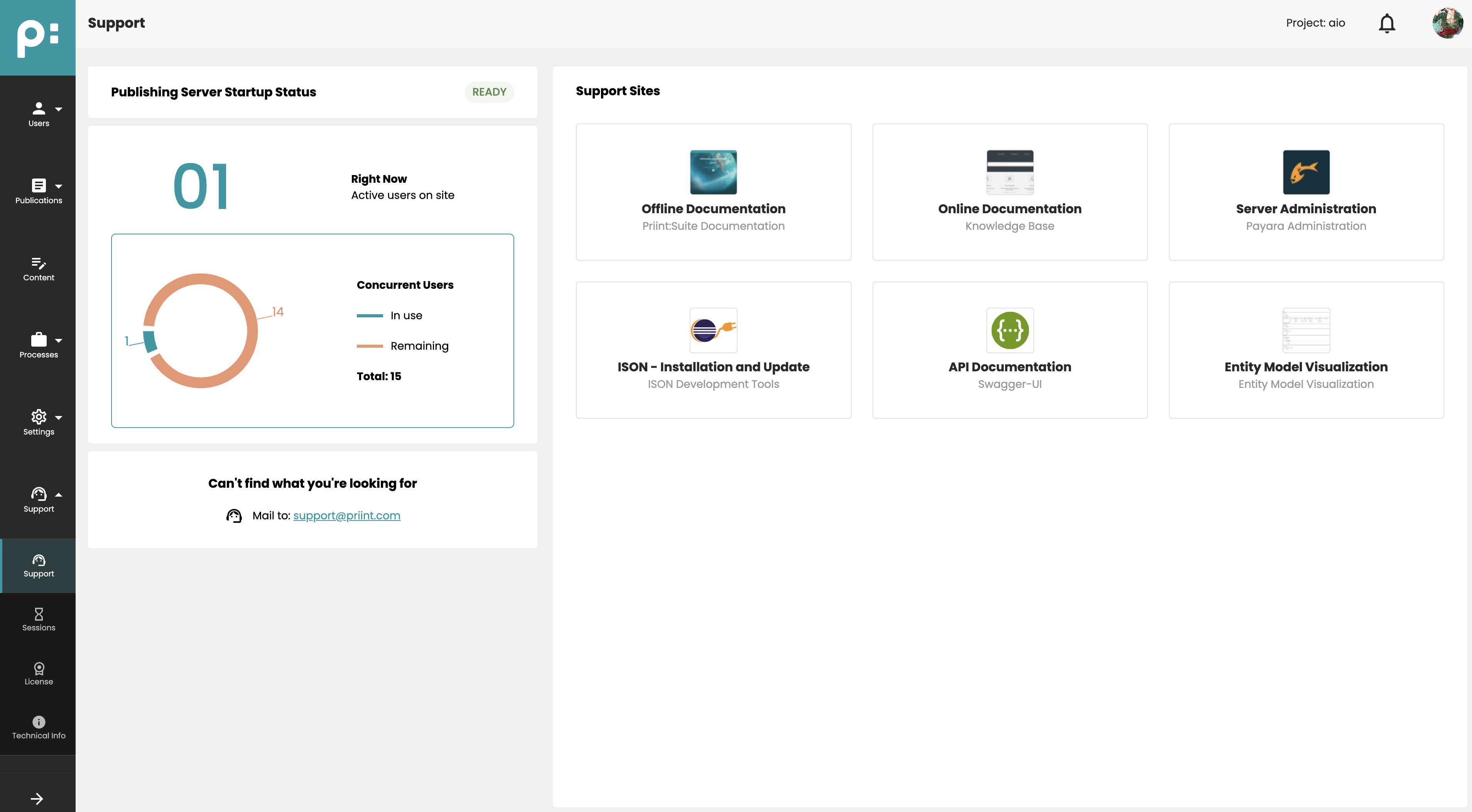
Landing page
After a successful login, the Support page is displayed as the default landing page.