Snippets
The Snippet Window is designed to provide users with an interface for managing and viewing snippets. It includes the following components:
1 Search Field
A search field that helps users search for specific snippets by name.
2 Filter Bar
Located at the top, allowing users to apply various filters to refine the list of snippets.
- Publication: Filter by publication names.
- Document: Filter by document names.
- Template: Filter by template names from the available comet templates.
- Bucket: Allows selection from a bucket tree used to create the snippet.
3 Snippets List
Displays the list of snippets with the following columns:
- Publication name
- Document name
- Template name
- Bucket name
- Bucket Identifier (hidden)
- Bucket Entity Label (hidden)
- Created By (hidden)
- Created On (hidden)
- Updated By (hidden)
- Updated On (hidden)
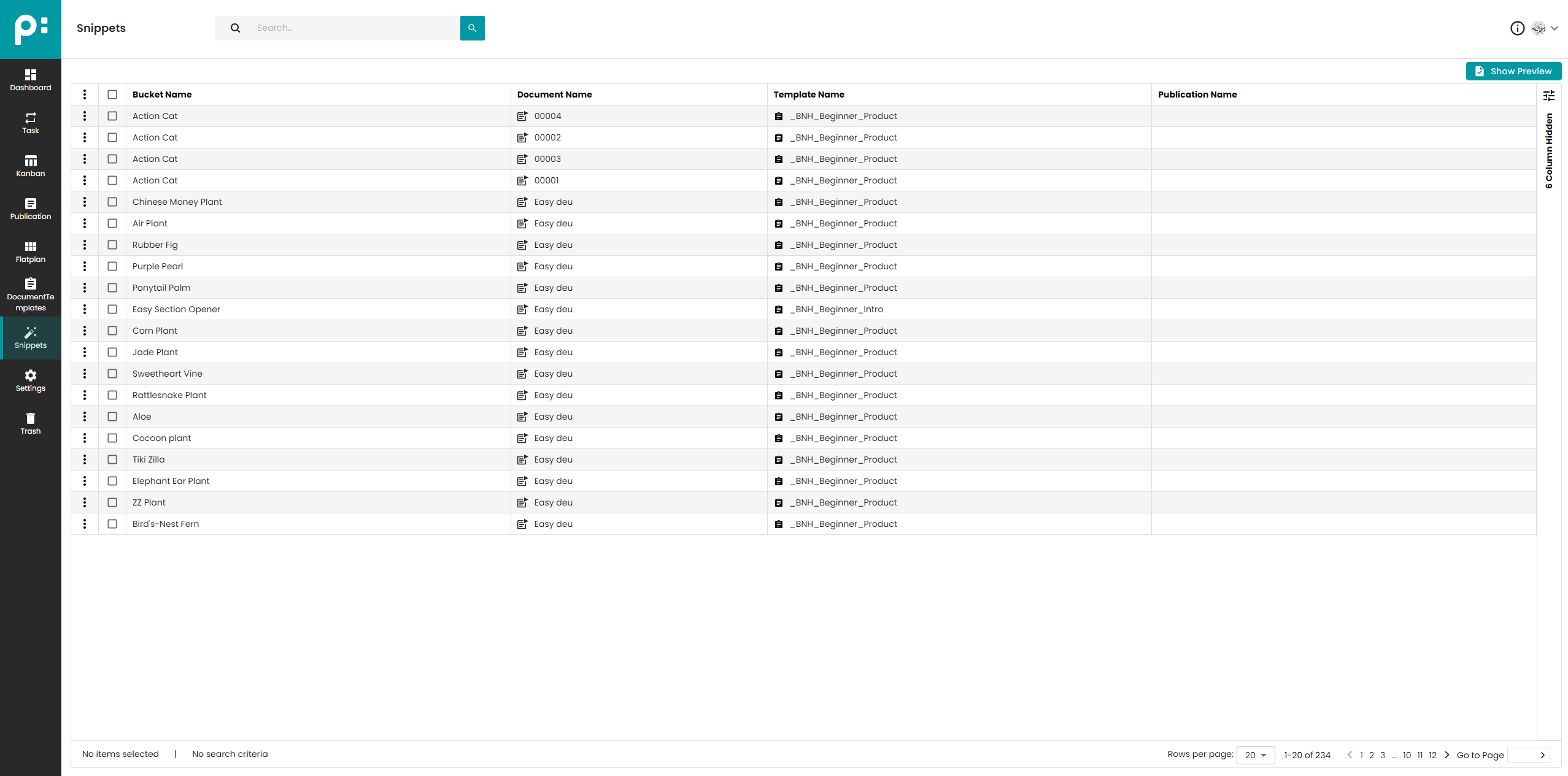
Users can select a snippet from the grid, and snippets can be removed using the three-dot context menu available for each snippet.
4 Snippet Preview
When a snippet is selected, users can open a gallery view to see a preview of the selected snippet.